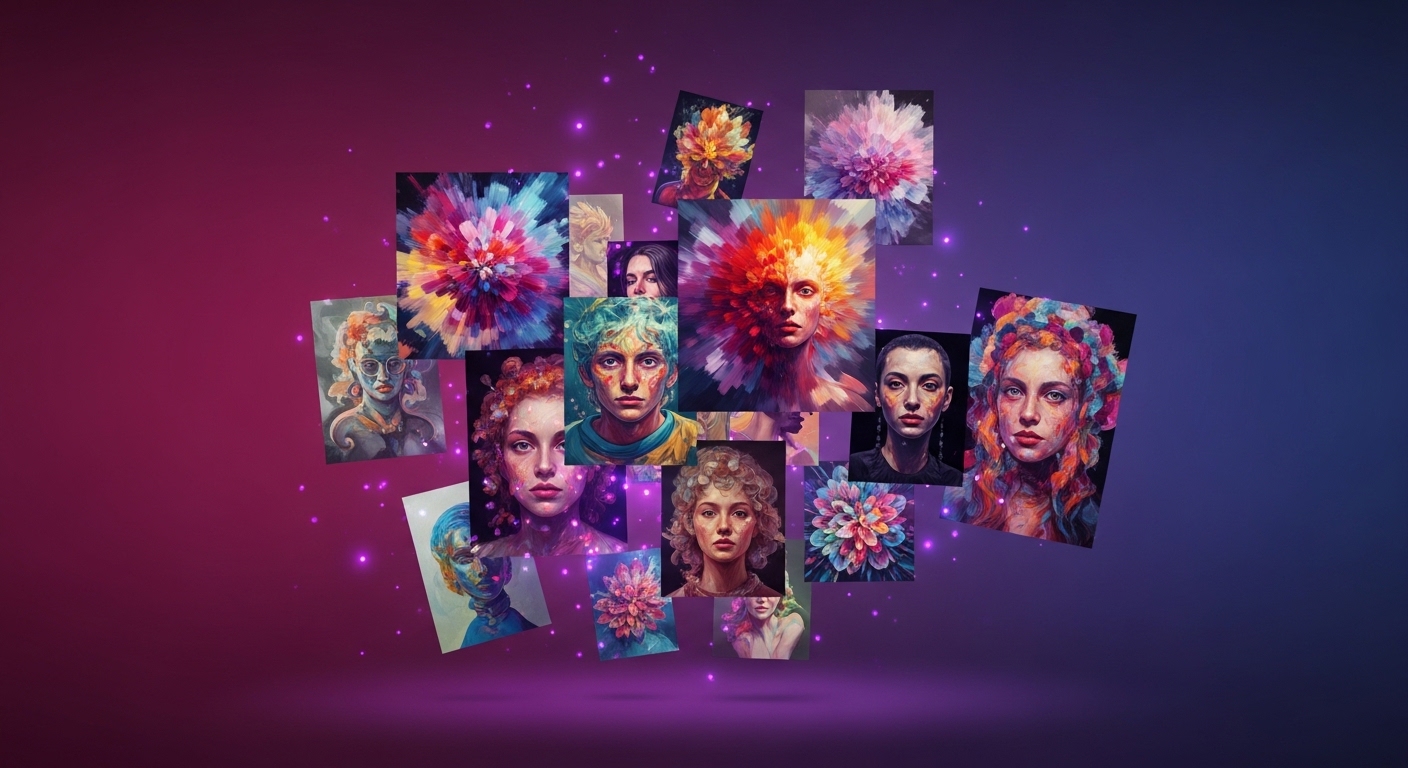
Where Midjourney fits in brand visuals
Midjourney is ahead of other models on work that needs aesthetic nuance. For editorial fashion, campaign key visuals and atmosphere-driven scenes, its output is often usable as-is. But it has a limit: consistency. Showing the exact same product across different scenes, or holding a brand face steady from frame to frame, takes control in Midjourney. So in brand work we use it in the concept and visual-language layer, and we back it up with reference tools wherever exact product fidelity is required.
In practice we draw this line: Midjourney builds the campaign's mood, color world and composition language; when the real product's texture matters, real capture or reference-based editing steps in. The templates below are for that first layer, for producing a brand's visual direction quickly.
The structure of a good prompt
A prompt that works is not a random pile of words but follows a set order. The backbone we use is: subject, lighting, lens/camera, style, and parameters. Say what you're shooting first, then describe the light, give the lens language, state the style, and add the parameters at the very end. This order sets the model's priorities correctly.
As a template:
[subject + key detail], [lighting], [camera/lens], [style/mood], [composition] --ar [ratio] --style rawThe more concrete you are, the more accurate the result. Writing "matte black serum bottle, single softbox from left, 85mm, minimal beige set, centered" instead of "beautiful product photo" makes the output predictable. Abstract adjectives leave the model free; concrete descriptions hand control to you.
The parameters that matter
Parameters go at the end of the prompt and set the technical frame of the output. The ones we use most in brand work:
--ar: aspect ratio.--ar 4:5for social feed,--ar 9:16for story/reels,--ar 16:9for web banners.--style raw: reduces Midjourney's automatic aesthetic intervention and gives a more photographic, controlled result. We use it almost as standard in brand work.--sref: style reference. Carries the style of one image (light, color, texture) into new generations. The most practical way to lock a brand visual language.--oref(Omni Reference): holds the identity of an object or face across frames. For keeping the same product steady in different scenes.--no: negative. Writing--no text, watermark, logokeeps unwanted elements out.
Copy-ready templates
Product:
matte black skincare serum bottle on a smooth beige surface, soft directional softbox light from the left, subtle shadow, 100mm macro, minimal commercial product photography, centered composition, clean background --ar 4:5 --style raw --no text, watermark, props clutterFashion editorial:
full-length editorial fashion shot, model in a tailored grey wool coat, overcast natural daylight, 85mm, muted autumn palette, urban concrete backdrop, confident pose, film grain --ar 4:5 --style raw --no text, logo, distortionCampaign key visual:
cinematic campaign key visual, single product hero in dramatic low-key lighting, deep shadows with one rim light, 50mm, premium luxury mood, dark gradient background, space for headline on the right --ar 16:9 --style raw --no text, watermark, busy backgroundSocial media:
lifestyle social content, product held in natural morning light by a window, shallow depth of field, 35mm, warm and casual mood, soft bokeh, authentic feel --ar 9:16 --style raw --no text, logo, over-saturationTake these templates as a starting point. Change the bracketed fields for your own product and brand language; holding light, lens and style steady while changing only the subject produces a consistent set.
Keeping brand consistency
One nice image is easy; holding a brand's visual language the same across dozens of frames is the hard part. Two tools do the job here. With --sref you take the style code of an output you like and apply it to all later generations; the light and color world stay fixed. Omni Reference (--oref) carries the identity of a specific product or face, so the same bottle or the same model stays recognizable across different scenes.
Personalization can also come in: Midjourney learning from your preferences and tuning the default aesthetic creates a consistent base tone for a brand. Practical tip: at the start of a campaign, pick three or four approved images, fix their sref codes, and produce the whole series with those codes. Consistency comes not from individual prompts but from this reference discipline.
Common mistakes
The most common mistake is writing overlong, contradicting prompts. Instructions that pull against each other, like "minimal but rich, plain but dramatic," leave the model undecided. The second is neglecting parameters: generating without --ar and then cropping wastes time and breaks the composition. The third is not using negatives; if you don't keep unwanted elements out with --no, Midjourney often adds text, watermarks or stray objects.
The fourth mistake is skipping reference tools. Trying to describe the same product from scratch every time produces inconsistency; --sref and --oref solve that. Last, relying on abstract adjectives: words like "luxury," "premium," "beautiful" say very little on their own. A concrete description of light, lens and composition always gives a more controlled result.
When you need a professional
Templates carry you to a fast concept stage. But making a campaign come out consistent end to end, print-ready and true to brand identity is a different job. Real product texture, copyright safety, format delivery and full frame-to-frame consistency take a production discipline beyond prompt writing. At PAM Istanbul we have used Midjourney to build the visual language of 40+ brands; we decide together which layer is AI and which is real capture.
If you want to build a consistent visual system for your brand, let's start with a discovery call.
Let's build this together.
Whether it's a single campaign or a year-long production partnership, we bring the same playbook that works for Cartier, Mercedes-Benz, Nike and Pierre Cardin. We mentor your team as we deliver — transparent process, documented AI decisions, no black boxes.
Email: [email protected]
Phone: +90 530 267 49 29
Studio: Yayıncılar Sok. 10/3, Seyrantepe · Istanbul