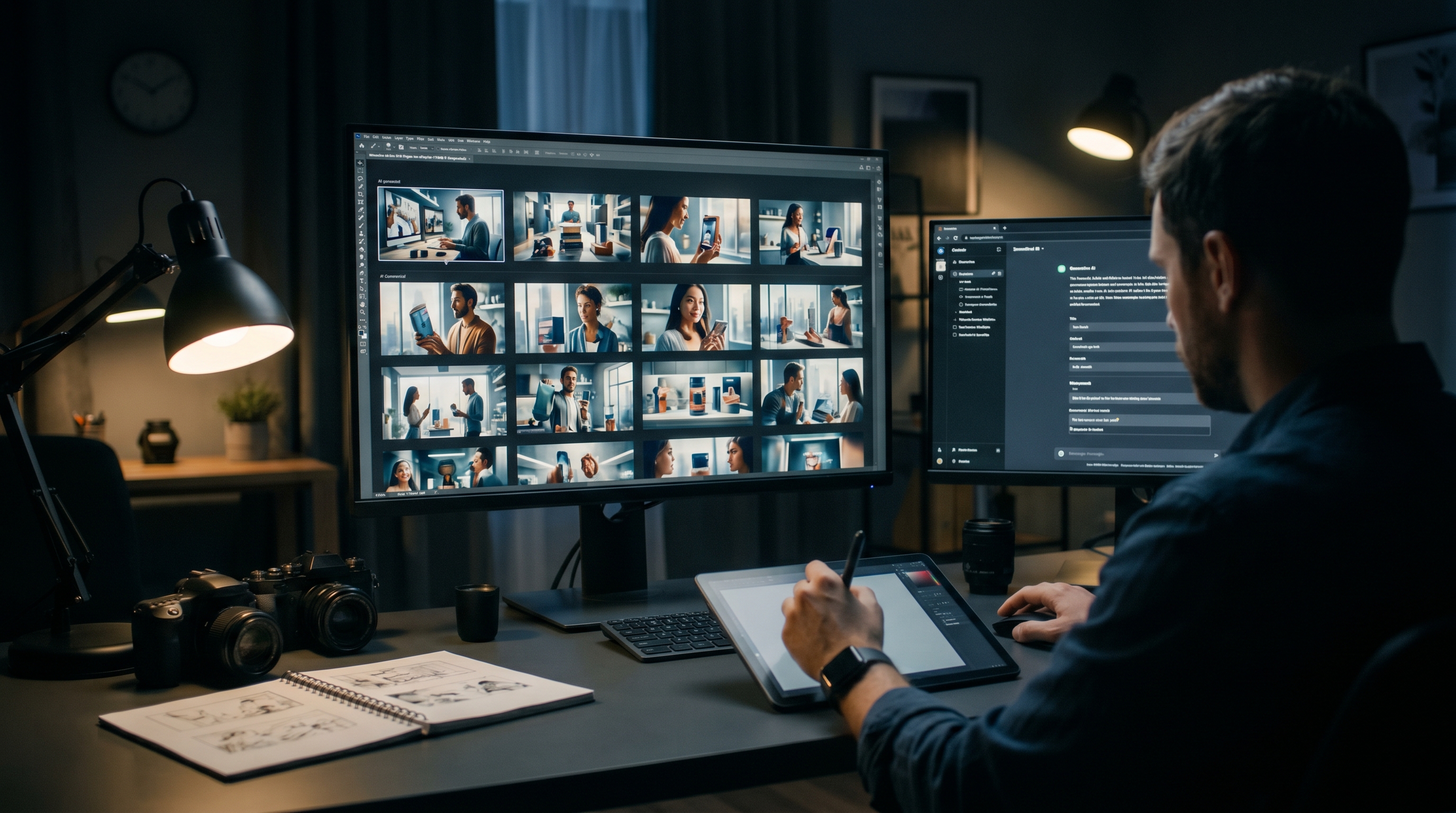
The traditional storyboard process involves a briefing to a storyboard artist, a waiting period, a first version review, revisions, and eventually a set of frames that approximate the director's vision. That process takes days. With current AI image generation tools, going from brief to first storyboard frames in under an hour is now genuinely possible.
How AI storyboarding works
The process starts with the script or scene description. Each scene or shot is translated into a text prompt that describes the visual: subject, environment, angle, lighting, mood, action. The prompt is fed into an image generation tool, which returns a visual approximation of the described frame.
First generations are rarely exactly right. The workflow involves iterating on prompts — adjusting composition, lighting description, subject positioning — until the generated frame reflects the intended shot. For a standard 30-second TVC with 8–12 key shots, this process takes 45 minutes to 2 hours depending on complexity and how well the prompts are written.
Tools worth using
- Midjourney: Currently produces the highest visual quality for photorealistic and cinematic storyboard frames. Good at lighting and composition. Less controllable for precise subject positioning.
- DALL·E 3 (via ChatGPT): Better at following detailed descriptive prompts. More predictable output, slightly lower ceiling on visual quality.
- Flux (via Replicate or fal.ai): Fast, high-quality, and increasingly the preferred tool for production-grade image generation. Particularly good with realistic photography styles.
- Adobe Firefly: Integrated into the Adobe workflow, which makes moving from storyboard generation to layout in Photoshop faster. Useful for productions already working in Adobe tools.
What to do with AI storyboard frames
AI-generated storyboard frames are not finished storyboards. They need to be assembled into a structured document with shot numbers, scene descriptions, camera notes, and timing indications. The standard format is a grid with the frame image, shot number, shot size (WS/MS/CU), camera move if any, and a brief action description.
This assembly step takes an additional 30–60 minutes but is what converts a collection of images into a production document. The storyboard document is then used in pre-production meetings, director's prep, and client approvals.
What AI storyboarding still cannot do
AI image generation is not good at consistency across frames. The same character — same face, same wardrobe, same lighting environment — across 12 sequential frames is very difficult to maintain with current tools. Each frame tends to drift. This is the primary limitation for storyboards that involve specific talent or specific product representation.
The workaround is to use AI storyboards for mood, composition, and lighting direction, and supplement with rougher hand annotations for frames where character or product consistency matters. As character consistency tools improve — several are in development — this limitation will diminish.
AI storyboarding is also not a replacement for a director's creative input. The storyboard frames are a visual translation of a brief, not a creative interpretation of it. The value is speed and cost. The creative vision still comes from the director.