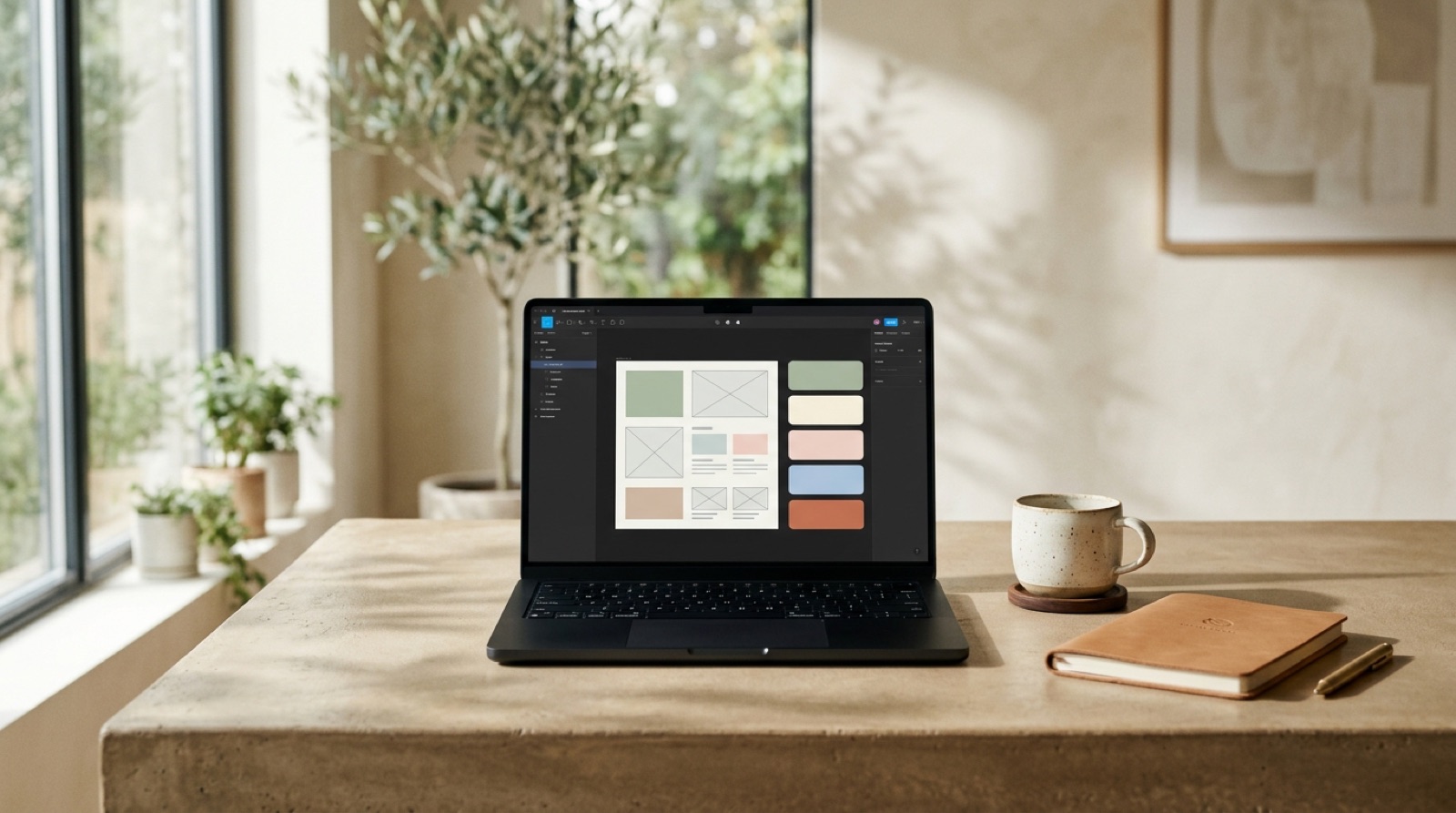
What is Canva Magic Studio? 6 core AI features
Magic Studio is the package that gathers all of Canva's AI features under one roof. Each feature has a strong side and a limit, and it's important to see both together.
Magic Design: generates 10 design variants in seconds from a brief or a visual reference. A practical example: for a new collection launch we uploaded the brand kit and, with the prompt "minimalist lookbook, 5 products, white background," pulled a usable template set in 5 minutes. The strength is speed; the weakness is that each variant comes out slightly different — you have to pick manually for consistency.
Magic Write: an OpenAI-based text generator. Handy for headlines, product descriptions, and social copy. Turkish output isn't as fluent as English — it always needs an editor's pass. For e-commerce it saves about 40% of the time on drafting product descriptions; but you'll write the final version.
Magic Edit: add, remove, and replace objects in a photo. It's functional for cleaning up backgrounds and placing objects into a scene. It still makes mistakes on delicate areas like complex hair detail or glass reflections — switch to Photoshop at those points.
Magic Media: text-to-image and short video generation. Its own model plus a Runway integration. Quality is good enough for social media content, not for print or a TVC. Maximum output is 1024×1024 pixels — it pixelates in large-format print.
Magic Switch: automatically adapts a single design into Instagram post, story, Reels cover, LinkedIn banner, email header, and poster formats. Designing once well and adapting it to 12 formats in seconds is a real time saver for SMBs.
Magic Eraser: remove backgrounds and unwanted objects. Good enough for quick product-image cleanup; for catalog quality, Remove.bg or a Photoshop mask gives a more reliable result. When the six features work together, design production time drops by an average of 55-60% — but quality control is still a human job.
The 3 most valuable features for SMBs
Not every feature matters equally at every scale. The three that create real ROI for SMBs:
1. Magic Switch — the highest time savings: the biggest pain for small teams is adapting the same design to different formats. Typical scenario: one piece of content for the weekly social calendar gets turned into 8 different sizes. Magic Switch takes a job that runs 3-4 hours manually down to 10 minutes. For a 2-person marketing team, saving 20-25 hours a month is a realistic number.
2. Brand Kit (Brand Hub) — the highest consistency gain: once you upload your logo, fonts, color palette, and templates, every design your team produces automatically follows the brand guide. If you use a freelancer or agency, the "this color's wrong, that's not the font" correction rounds largely come to an end. It's not in the free version — it's active with Pro ($119/year). This feature alone pays for the plan.
3. Magic Design + template library — the fastest campaign start: for a seasonal campaign, a product launch, or an urgent announcement, instead of designing from scratch you write a brief and pick a variant. For a brand producing 30+ designs a month, that means an in-house solution well below the cost of working with a creative agency. If you produce 15-20 designs a month, the Pro plan pays for itself in 3-4 months.
Canva AI's 5 unavoidable limits
Before you lean on Canva more than you should, it's worth being clear about these limits:
1. Lack of brand consistency: you can't train your own LoRA or custom model. The result: AI gives a slightly different style on every generation. For brands with a very strong visual language (luxury, corporate identity), that inconsistency can rise to an unacceptable level. Fix: check every variant manually and finish critical campaigns in Photoshop.
2. Insufficient print resolution: Magic Media output maxes out at 1024×1024. It's not the 300 DPI quality you need for a catalog, outdoor advertising, or packaging print. Rework every print-bound image in Adobe Illustrator or Photoshop.
3. Weak vector control: for a logo, icon, or illustration, the SVG output is inconsistent and not editable. For corporate materials that require Pantone color accuracy, Illustrator is a must — Canva can't fill that gap.
4. Turkish text quality: Magic Write is far more fluent in English. Turkish output sometimes produces odd sentence structure, wrong suffixes, or phrasing that doesn't sound natural. Every text should be reviewed by someone who knows Turkish — don't publish raw output.
5. Insufficient product photography: with Magic Edit you can "place the product in a setting," but it doesn't replace a real product shoot. For an e-commerce listing image, a packaging detail, or material texture, a studio shoot is still the gold standard. Canva works for social media content; not for the product image that drives a purchase decision.
Choosing a plan: when should you go paid?
A few criteria help you pick the right plan:
Is the free plan enough? If you produce fewer than 10 designs a month, work solo, and have no brand kit need — yes, the free plan can do. Reasonable for internal communication materials and personal projects.
When does Pro ($119/year) make sense? When you have 2-5 people on the team, produce 15+ designs a month, need a brand kit and custom fonts, and the Magic Media quota (500 generations/month) feels sufficient. Even a single user should choose Pro for brand kit plus Magic Studio access.
When do you need Teams ($300/year/5 users)? When you want an approval flow (designs get manager sign-off before going live), and you need a shared content library and role-based permissions. A sensible threshold for a marketing team of 5+.
When does Enterprise come in? For corporate structures needing a 20+ person team, SSO integration, API access, a dedicated customer success manager, and an advanced brand center. The Magic Media quota is 500/month on Pro — on a growing team that runs out fast, and Enterprise offers unlimited generation.
Combining Canva with professional tools
Canva's strength is speed; professional tools' strength is precision. The right approach is to use them not as substitutes for each other but as complements.
Social media workflow: Brief → Canva Magic Design (10 variants, 5 minutes) → best 2 options → precise retouch, typography fixes, and color calibration in Photoshop → adapt to all formats with Canva Magic Switch → publish. This flow produces output that's both fast and high quality.
Campaign hero image workflow: use Canva for concept moodboards → produce campaign concept art in Midjourney (more creative, stronger) → compositing and final retouch in Photoshop → banner, post, and story versions in Canva. On a big-budget campaign, Canva isn't enough for the hero image; but Canva handles the adaptation part.
Video workflow: build a quick storyboard draft in Canva → produce a moving version with Runway Gen-4 or Veo 3 → audio and editing in CapCut or Premiere → adapt to different video formats with Canva Magic Switch. The Canva video editor is enough for quick content; for edit-heavy projects, Premiere is a must.
Is Canva enough for you? PAM mentorship
The answer depends on this: how much content you produce, how many platforms you're active on, and how critical brand consistency is.
Where Canva is enough: 5-10 posts a week, mainly Instagram and LinkedIn, a 2-3 person team, internal communication materials, social media campaigns. For this profile, Canva Pro is a strong and economical solution.
Where Canva falls short: 50+ visual assets a week, multiple channels (advertising + TVC + e-commerce catalog + packaging + OOH), critical brand consistency, international campaigns, materials requiring print quality. At that point a single tool isn't enough — you need a team that integrates AI Studio with traditional production.
At PAM Istanbul we evaluate brands' visual content processes as a whole: which tool for which job, where automation works and where a human hand is required, which quality standard each platform needs. We examine your current workflow, find the gaps, and build a practical content system. We've been producing for brands since 2018; for the last three years we've integrated AI into every layer of the workflow. Write to us for a 30-minute discovery call — let's decide the next steps together.
Let's build it together.
We've been producing commercial film and photography since 2018, and for the last three years we've been integrating AI into our workflow. We mentor your team as we produce: transparent process, documented decisions, no black box. We set up your brand's AI production together, built for sustainable growth.
Email: [email protected]
Phone: +90 530 267 49 29
Studio: Yayıncılar Sok. 10/3, Seyrantepe · Istanbul