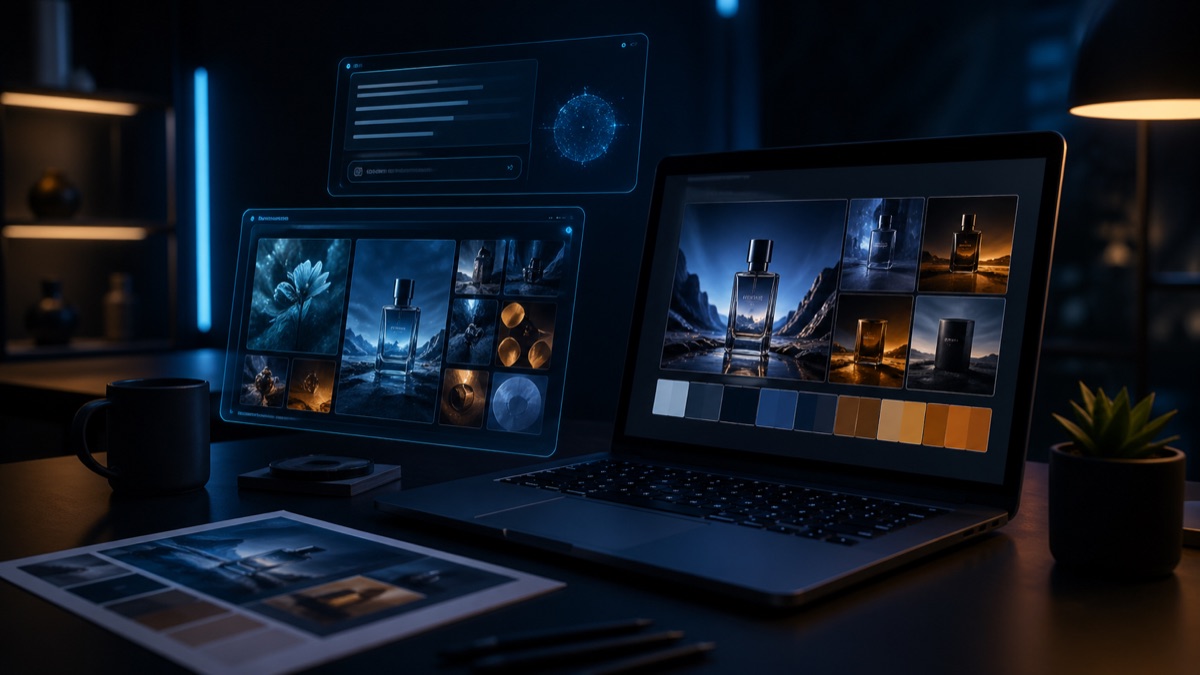
What in-store content actually means
For retail, "in-store content" goes far past a single image. Window posters, backlit panels behind the cash desk, shelf signage, hanging signs, digital screen loops, fitting room posters, point-of-sale flyers. Each one has a different format, a different resolution, a different message length. You do not produce one image for a T-shirt campaign — you produce maybe 14 different format outputs of the same campaign. That changes the math on AI.
The old workflow had most brands shooting one set per campaign and asking the designer to adapt it to each format. The process was slow, costly, and closed to last-minute requests from store managers. The new workflow runs one concept shoot and then derives formats with AI. If a manager messages on Monday saying "this weekend will be rainy, can we re-tone the window visual warmer," we can hit Tuesday lunch.
The three areas where AI actually shines
Seasonal theme shifts. Showing the same product under different seasonal light or in a different palette is where AI is strongest. Turning an autumn collection visual into a winter one fast, pulling a summer shot toward spring tones — getting four seasons out of one shoot is now a realistic goal. For small and mid-size retailers, this capacity changes the game.
Multi-location adaptation. A mall store and a high-street store have different window dimensions, different digital screen ratios, different ambient light. AI can produce one image across 10 formats and color balances. A central marketing team can now run a 50-store operation single-handed.
Language and local variants. Critical for chains selling outside Turkey. Turkish, English, Arabic headline variants of the same visual come out in minutes. A human still checks the typography lands correctly, but the first pass is on the AI side.
Where AI falls short: the store itself
This is where we have to be honest. AI can produce a visual that will look great in the window, but it cannot photograph the actual store. In-store atmosphere content — the frames shot at your real counter, with your real customer, your real staff — still needs a human crew. The brand's "sense of place" comes from there, and AI cannot fake that feeling.
In practice the split looks like this: two real store shoots a year for atmosphere, staff and customer interaction, and AI derivative work in between for campaign visuals and seasonal revisions. Brands that mix the two layers go down the wrong path. Brands that separate them save time.
Production flow: from one brief to 50 stores
Our campaign flow runs like this. First a concept shoot: one studio day, one photographer, one art director, six to eight core frames of the campaign. These frames act as anchor visuals. Then we upload the anchors as references into Gemini or GPT-4o and the format derivation begins. Horizontal window, vertical digital screen, square shelf tag, A2 portrait fitting room poster — all from a single brief.
After production the designer places typography, the brand approves, and rollout to stores begins. In our experience the seasonal rollout for a 50-store chain fits into five working days. The same job used to take two or three weeks.
Digital screen formats and the technical notes
In-store digital screens fall into two practical buckets: 16:9 horizontal screens behind the cash desk and 9:16 vertical screens next to windows. There are also new LED-based giant window screens, but here resolution cannot drop below 4K. For AI outputs, upscaling with Magnific or Topaz has become a standard step.
On the video side, producing a five to ten second loop from a static AI image with Runway Gen-4 or Kling 2.5 is now a production-line task. The end of the loop has to feed back into the beginning or the screen jumps roughly. This small detail slips past even big brands.
Holding the brand guide with AI
The most common problem we see: the marketing team gets visuals out of AI however they like, and three months later the in-store visuals have drifted off the brand guide. Color palette scatters, type sizes wander, photographic tone shifts. The way to stop that drift is to write prompt templates.
For every brand we set up three or four master prompts: "campaign visual," "product detail visual," "lifestyle visual," "ambient store visual." Each template hard-codes color codes, light definition, composition rules. The marketing team only swaps in the product and the message. This is the most practical way we know to pair brand consistency with AI speed.
How we work with retail brands at PAM Istanbul
When we start with a retail brand, the first task is not to make a visual. It is to make the brand guide AI-ready. The old PDF guide that says "brand blue #1a4d8c" gets translated into prompt language the model can read. Then we plan the anchor shoot together, and after that we set up the format derivation line. The real deliverable for us is your marketing team gaining weekly AI revision capacity.
So we don't hand over a single visual. We hand over a production system. If your stores cannot speed up content production in 2026, competitors who can will pull ahead. Retail brands that saw this early have already moved.
Let's build this together.
Whether you run one boutique store or 200, we bring the same discipline to rebuilding your retail production flow with AI. The team behind work for Cartier, Mercedes-Benz, Nike and Pierre Cardin will plan your in-store content infrastructure.
Email: [email protected]
Phone: +90 530 267 49 29
Studio: Yayıncılar Sok. 10/3, Seyrantepe · Istanbul