What is Gemini, and what changes for photography?
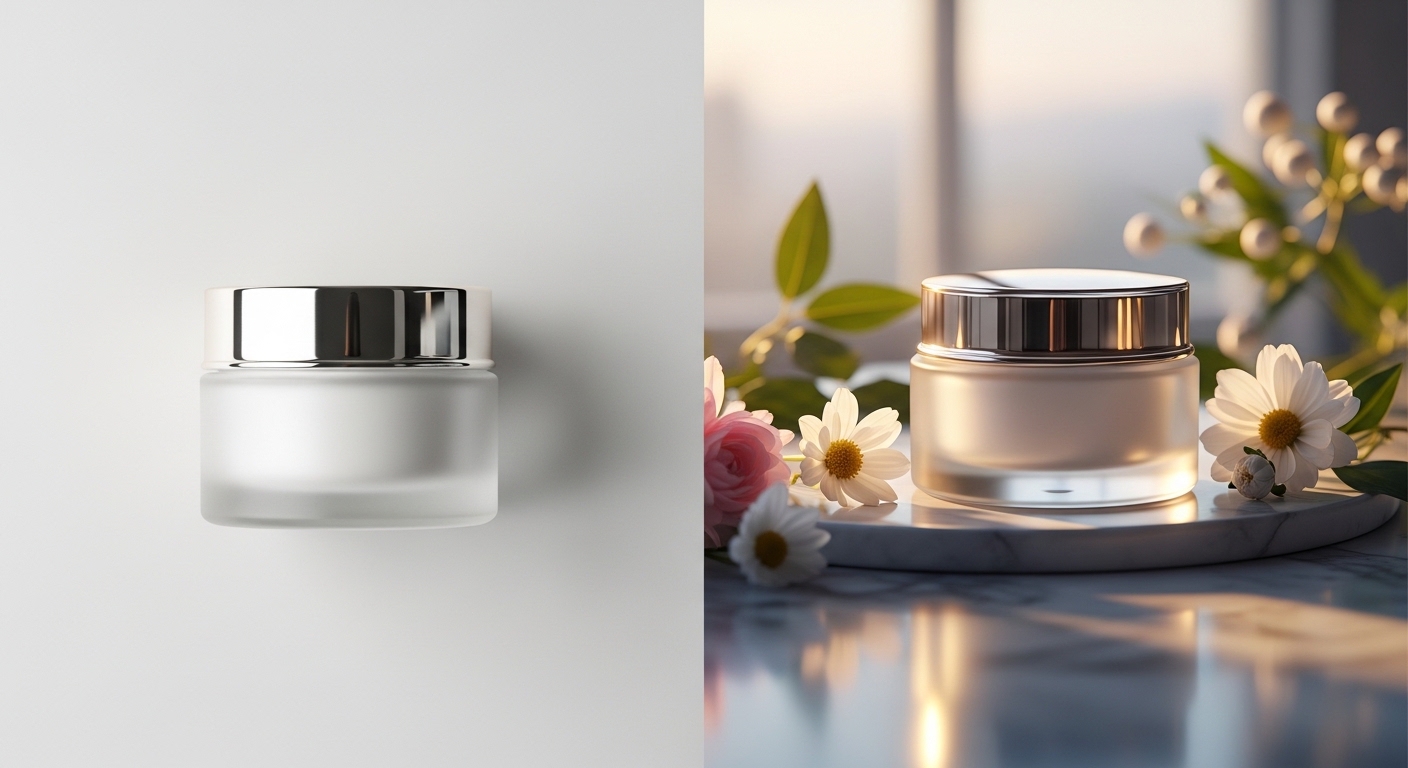
Gemini is Google's large language and vision model. With version 2.5 image generation became native, which means text and image come out of the same model rather than two separate ones. In practice that matters a lot. Upload a product photo to Gemini, say "show the same product in gold, under summer morning light, against an ocean backdrop," and it builds the new scene while keeping the product's shape correct. Midjourney can't hold reference fidelity at that level.
There are two options worth knowing inside the model family. Gemini 2.5 Pro is stronger on long-context and complex jobs, the kind where you hand it a ten-page brief and ask for imagery. Gemini 2.5 Flash is faster and cheaper, and it's enough for daily social output or quick variations. The real strength of the multimodal setup is that text, image, and if needed video are all processed in one model. Think of it as running a Photoshop-plus-AI-tool combination inside a single chat window.
The four jobs Gemini does well
1. Reference-faithful editing. Taking an existing product or portrait shot and multiplying it by changing the scene. For e-commerce this is the most practical tool there is. From one studio session you get 20 to 30 background and lighting scenarios, the product stays accurate, and you stop losing time on re-shoots.
2. Multimodal briefs. Upload a PDF brief plus ten moodboard images and ask for five campaign concepts that fit. That turns a half-day of work into a few minutes, and no other tool handles it this cleanly.
3. Text-integrated images. Posters, packaging headlines, digital signage. Gemini places text more cleanly than DALL-E and more controllably than Midjourney, and the gap widens with mixed languages and alphabets.
4. Fast social content. Producing weekly Instagram and LinkedIn images through Gemini saves a marketing team real time. A request like "generate the same product image in five color palettes, 1:1 square" returns results in seconds. For small businesses without an agency, this is one of the most accessible workflows available.
Where Gemini falls short
Aesthetic nuance. Editorial fashion, high-contrast fine art. Midjourney is still clearly ahead. Gemini gives you more "correct" results, but an art director will see the difference on "beautiful."
Complex multi-object scenes. When several objects have to sit in correct positions relative to each other, the error rate climbs. With a prompt like "a clock on the table, a tea glass beside it, a book behind, daylight through the window," objects can blend together or lose their proportions. These cases need two or three rounds of iteration.
Consistent characters. Keeping the same person or character identical across several frames is still hard for Gemini. Midjourney V7 is the stronger choice here.
Large-format output. Print-grade 300 DPI work needs upscaling, so back it up with Magnific or Topaz. Gemini's native resolution is fine for digital use but not for print. The practical way around the limit is to build the concept in Gemini and run a 4x upscale in Magnific.
Prompt tactics specific to Gemini
Gemini reads long, context-heavy prompts better than Midjourney. Write them like this:
"Context: luxury skincare brand launching a serum. Target audience: women 35-50, Scandinavian aesthetic. Task: create three lifestyle shots, natural morning light, minimal composition, beige and off-white palette, product subtly visible. Style reference: Kinfolk magazine. No text overlay, no watermarks, commercial use."
This structure lands more accurately in Gemini than in Midjourney because the model can hold the context, the audience, and the style at the same time. Five more practical tips:
- Upload a reference image. Saying "keep the light tone from this image, change the background" gets you a far more accurate result.
- Add "product photograph, commercial, no text overlay." Those three words pull the output from a crowded composition toward a clean product scene.
- Specify the aspect ratio. Writing "9:16 portrait format" or "16:9 landscape" solves platform fit directly.
- Use negative instructions. Constraints like "realistic, photographic, no illustration, no cartoon" lift output quality noticeably.
- Ask for variations. "Generate the same scene in three color temperatures" gets you three alternatives from one prompt, then you choose with the client.
How to fold it into the workflow
On a PAM set we currently use Gemini in three places: (a) e-commerce product variation, multiplying one shoot into 30 scenes; (b) pitch and brief response, showing the client three directions within 24 hours; (c) generating images for the social content calendar to shorten a marketing team's weekly production cycle. Set and post still run on the traditional flow; Gemini works in the concept and variation layer.
For teams on Google Workspace the integration is especially smooth. You can copy a brief out of Google Docs straight into Gemini and save the output to Google Drive. On the API side, Gemini's image generation endpoints are maturing for anyone who wants to wire them into their own platform or e-commerce stack. Pairing product catalog updates with automatic image generation is still a niche, but for high-volume e-commerce operations it creates a real cost advantage.
Ask one question, build the strategy with us
Which brand should be produced with which tool gets a different answer every project. PAM AI Studio has made this call alongside 40+ brands. Gemini, Midjourney, Firefly, DALL-E — we can decide which one fits your campaign in a 30-minute discovery call.
Let's build this together.
Whether it's a single campaign or a year-long production partnership, we bring the same playbook that works for Cartier, Mercedes-Benz, Nike and Pierre Cardin. We mentor your team as we deliver — transparent process, documented AI decisions, no black boxes.
Email: [email protected]
Phone: +90 530 267 49 29
Studio: Yayıncılar Sok. 10/3, Seyrantepe · Istanbul